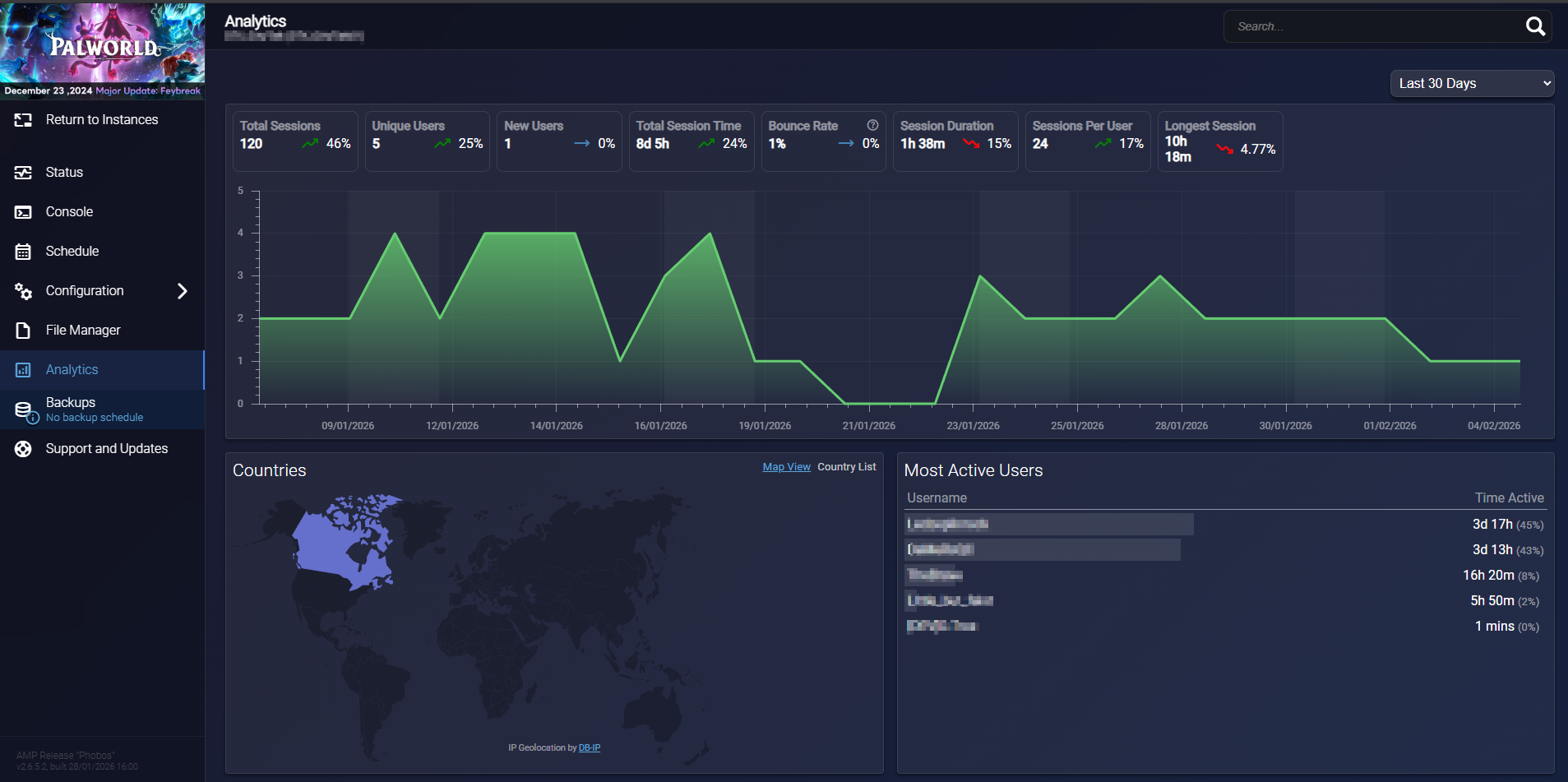


What is Server Analytics ?
Analytics feature provides detailed insights into player activity, session durations, and server performance. It is part of the functionality available and helps you monitor what’s happening on your game servers.
Analytics allows you to:
-
Track who is playing and for how long
-
Understand session patterns
-
Analyze player connection data
How to Enable Analytics in AMP
-
Open server instance
-
Go to Configuration > Security and Privacy > Server Analytics tab
-
Toggle Server Analytics / Analytics Server ON
-
The other default options are sufficient.
- Go back to your instance and go to the Analytics tab to view the data
Please note that information updates occur after logging out and after a minimum game session duration.