


Locate the Server List
On the game’s Main Menu click Play then select Online Play.
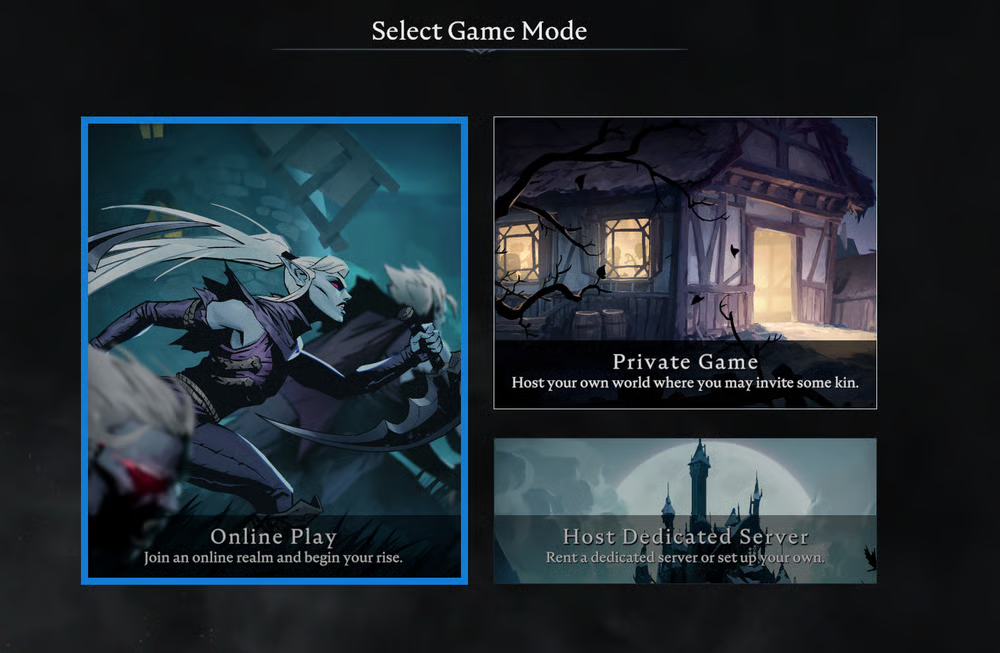
Next select any Game Mode and click Find Servers in the bottom right-hand side.
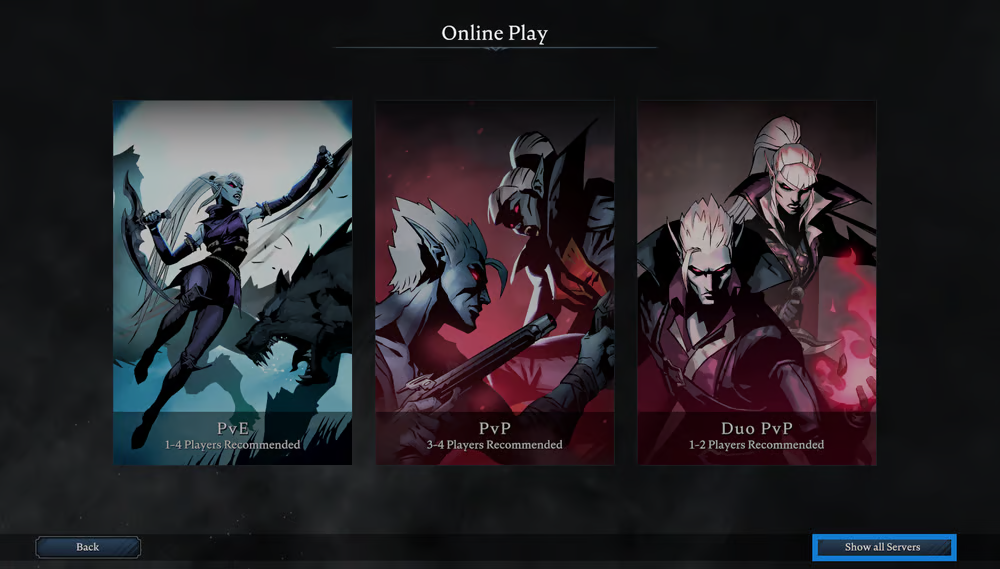
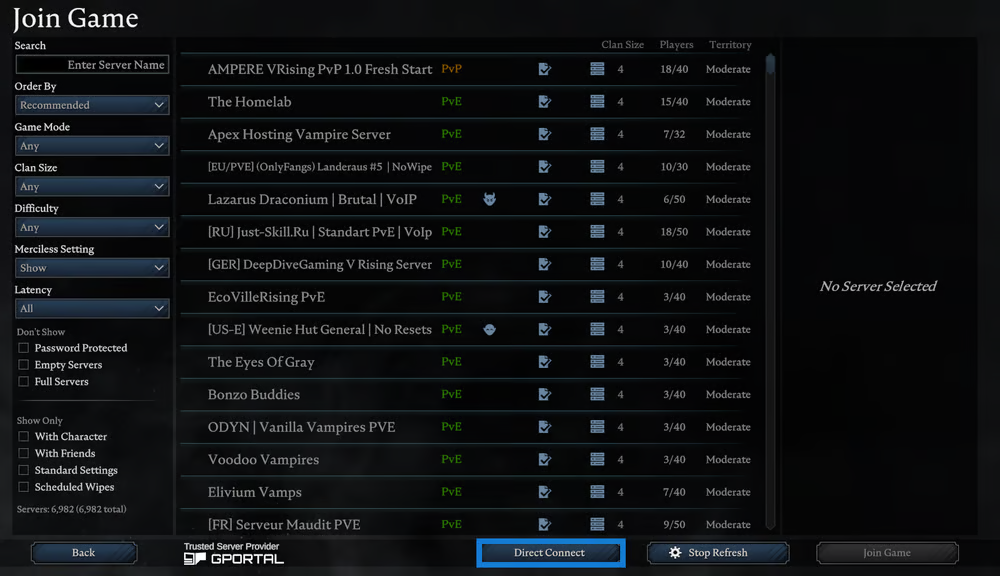
You will now see the entire list of V Rising servers.
Direct Connect and Join Your Server
You can manually join the server quickly by searching through the server list for your Server Name in your Game Settings. Otherwise you can manually connect with the IP address or hostname. To do so, click on Direct Connect at the bottom of the server list.
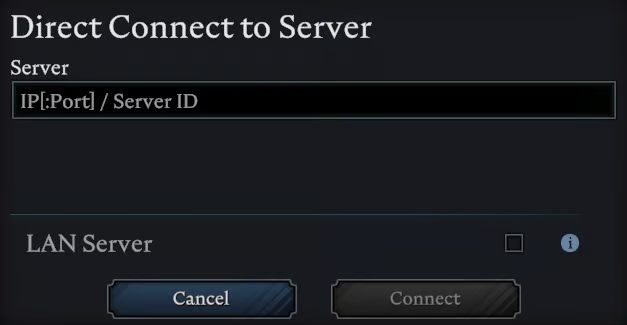
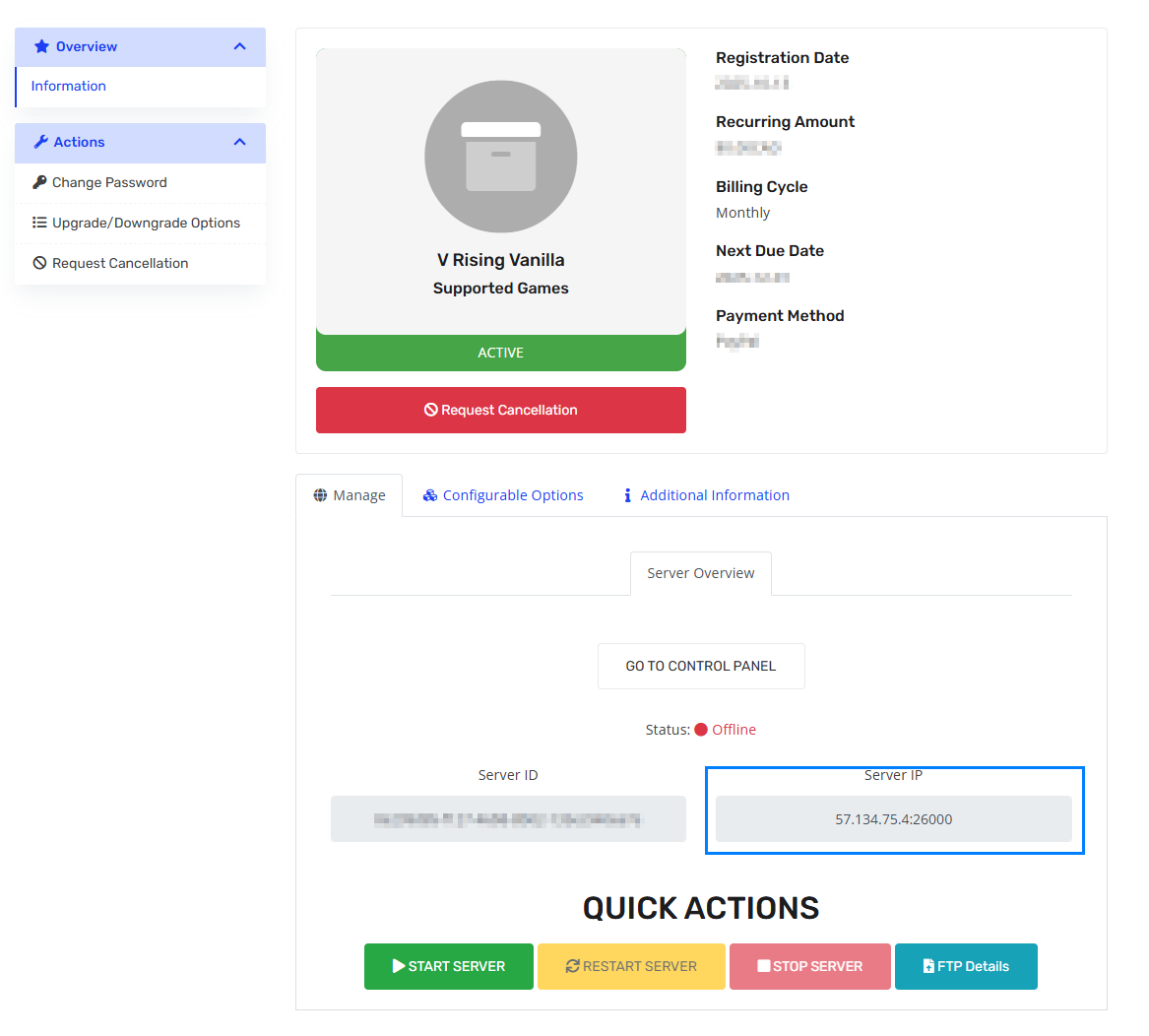
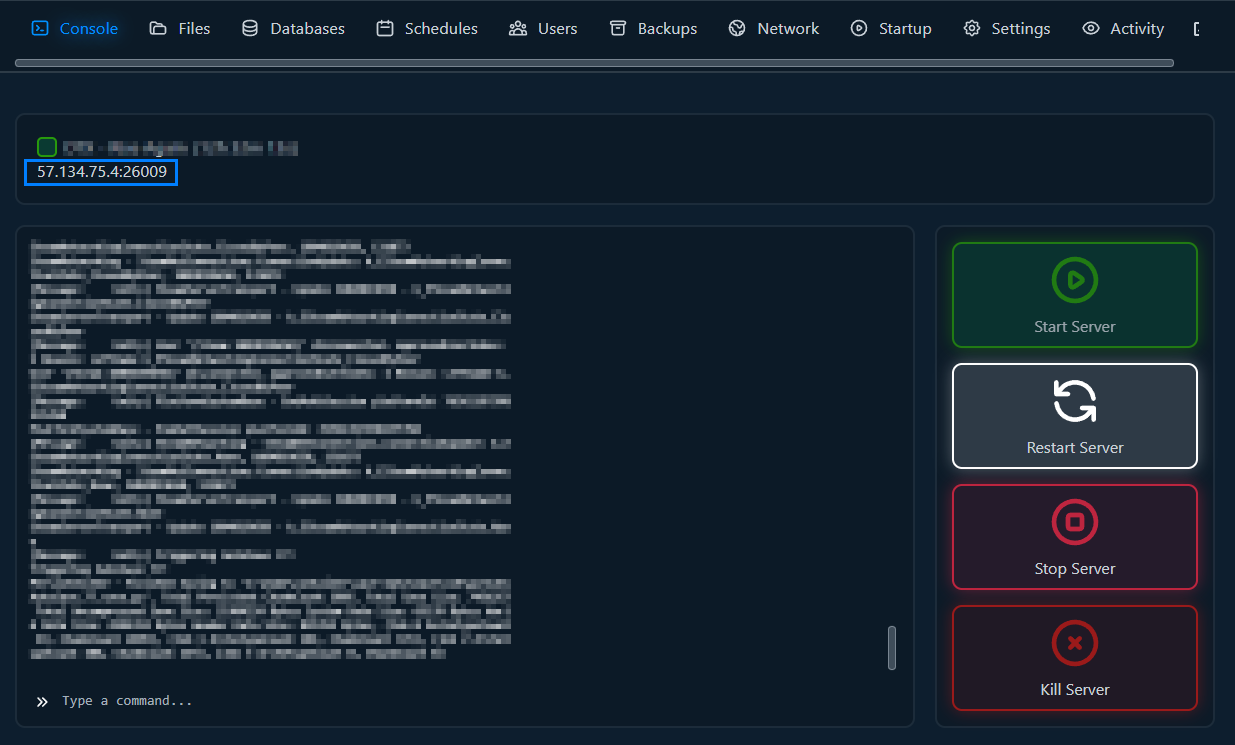
In the Server text box enter in your server’s IP address or hostname.
Your IP address can be found in the Your Services tab or on the server control panel.
Once that has been entered, click Connect and you will join your server!