


How to access your files (FTP / SFTP)
You can access your server files directly from the games panel.
-
Open your server instance
-
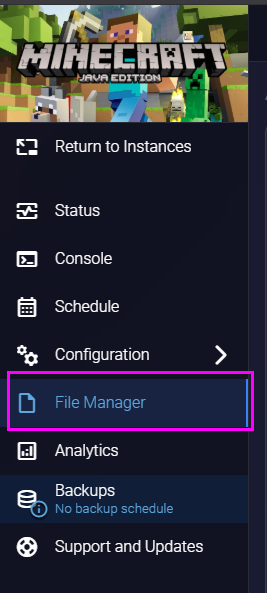
Click File Manager
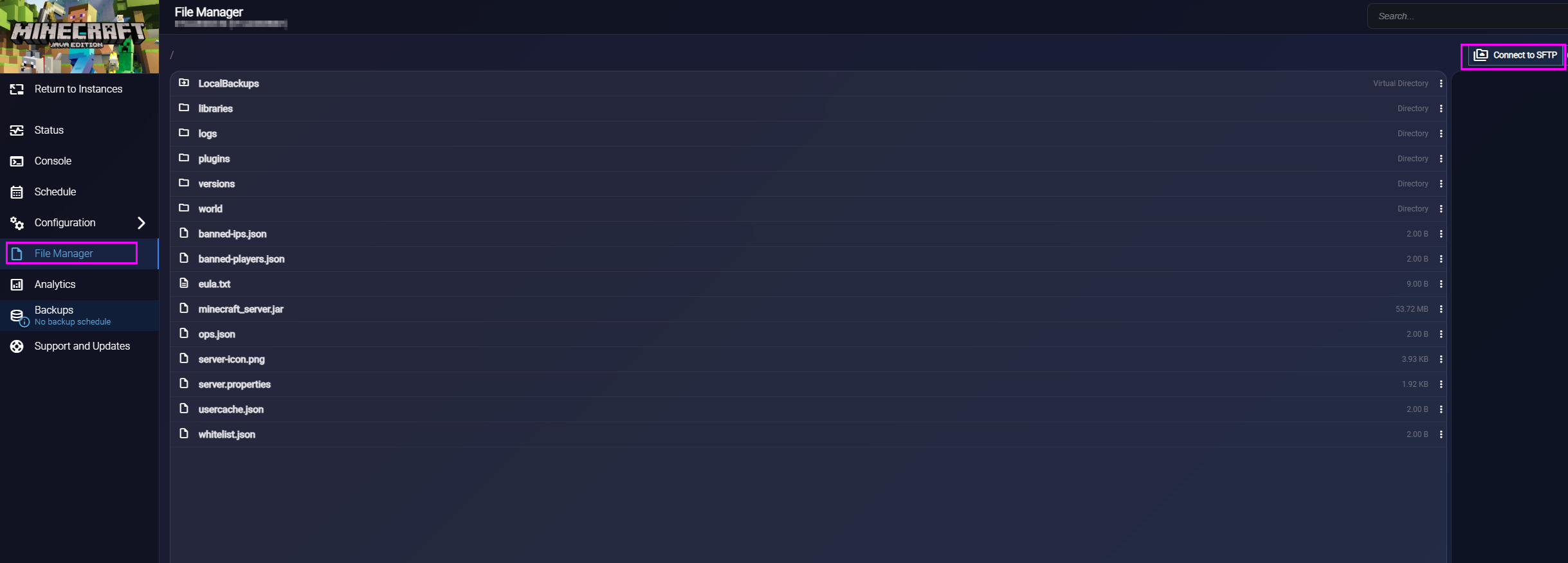
You can manage files directly from the web interface.
Connecting with an external program (FileZilla, WinSCP, etc.)
If you want to use a third-party client:
-
Click the “Connect to SFTP” button in the top-right corner
-
A window will show your connection credentials
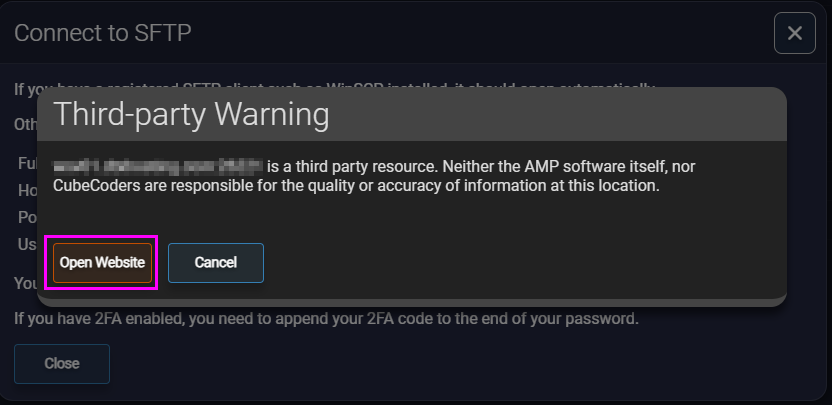
Some programs may open automatically
-
If it does: click “Open Website”
-
Otherwise: click Cancel to view credentials manually
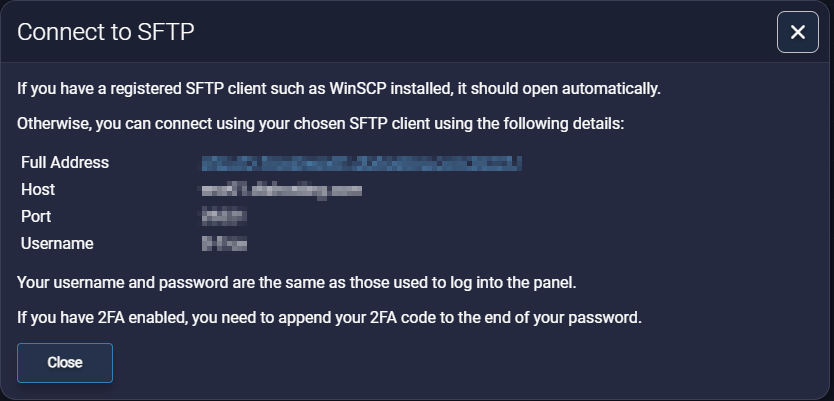
The password is the same as your AMP panel login password.