

⚠ Before making any changes, please make a backup and download it. ⚠
See Next Wiki : How Download my backup
How to change your service configuration
You can change your RAM and CPU allocation at any time.
-
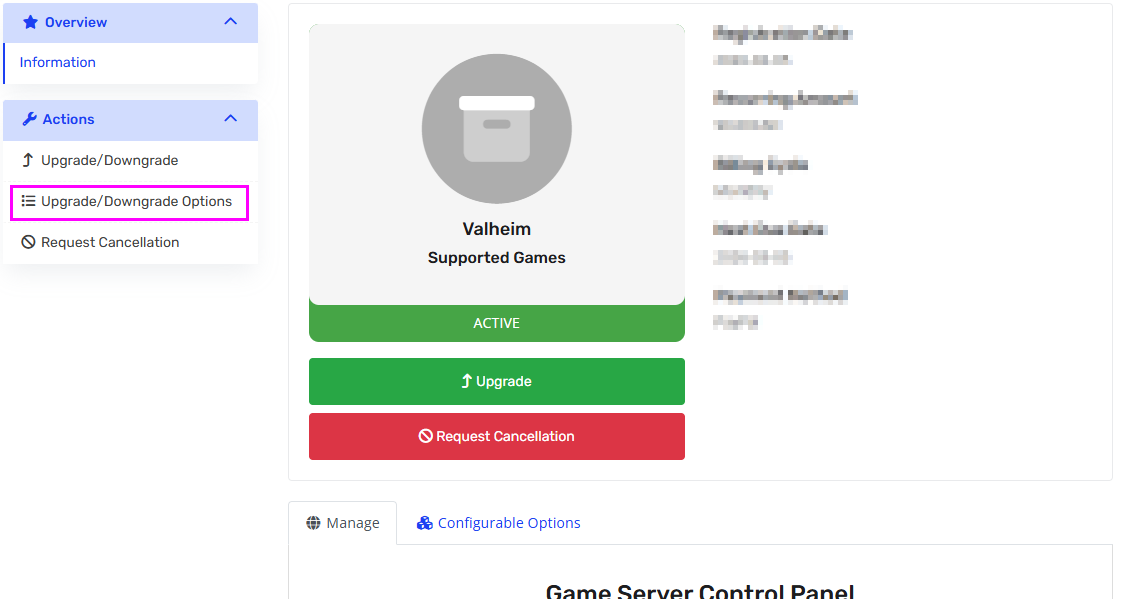
Go to your service page
-
In the left action menu, click
“Upgrade / Downgrade Options” -
Select the desired configuration
-
Complete the order and payment
Once the invoice is completed:
✅ Your instance will automatically shut down
✅ The configuration will update
✅ The server will restart when finished
⚠ Important:
The update may take a few minutes.
Please wait and do not manually restart the server.