

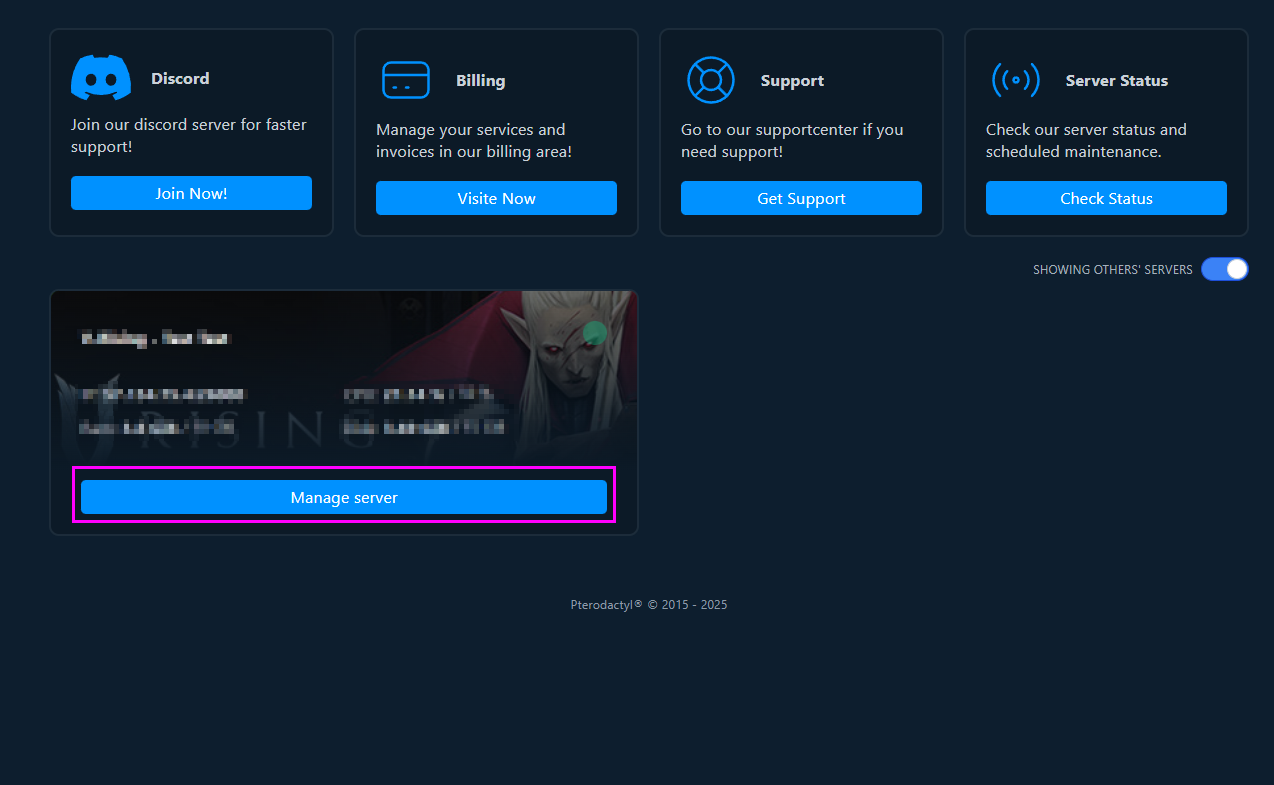
Please go to the control panel, under "Manage Server," then navigate to the "Databases" tab and click the "NEW DATABASE" button.

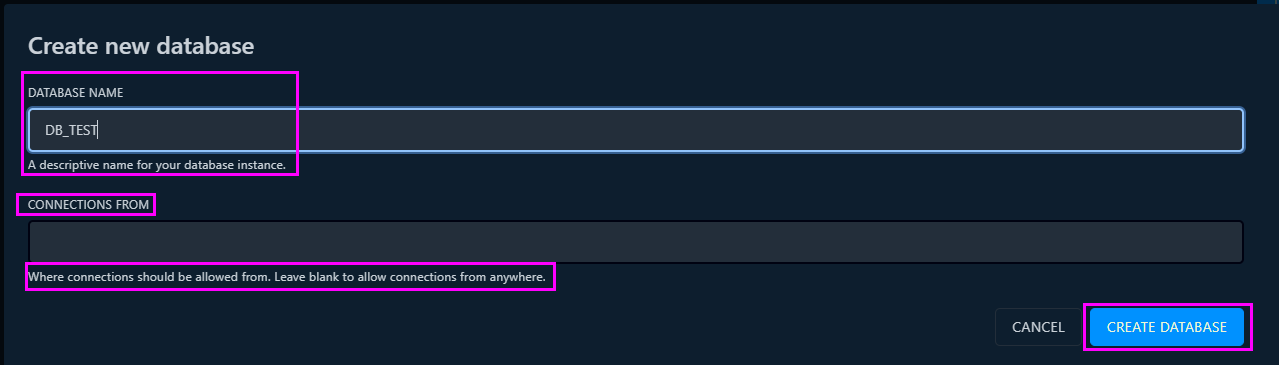
You will then be able to assign a name to the database and specify the allowed connection sources (optional).
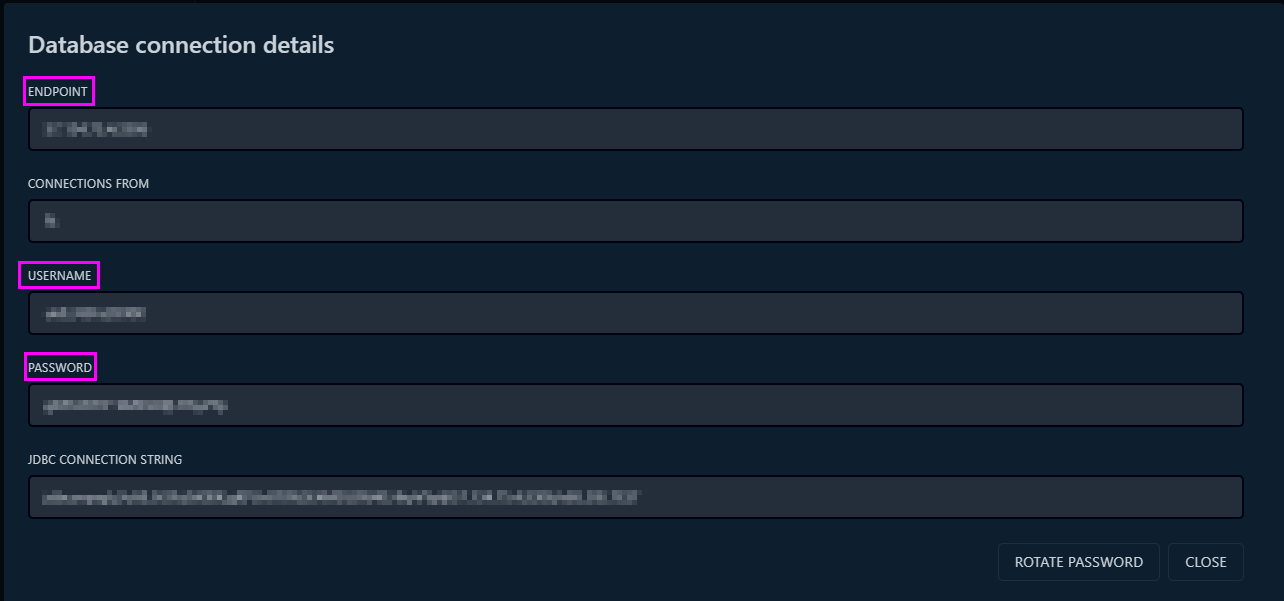
Once the database is created, click on its name to view all the connection details (such as host, user, and password). This information will allow you to connect via an external tool like MySQL Workbench, DBeaver, or any other database client.